
COCORO languages and voices
Japanese audio, English and Chinese text, trophies, and Deck notes.
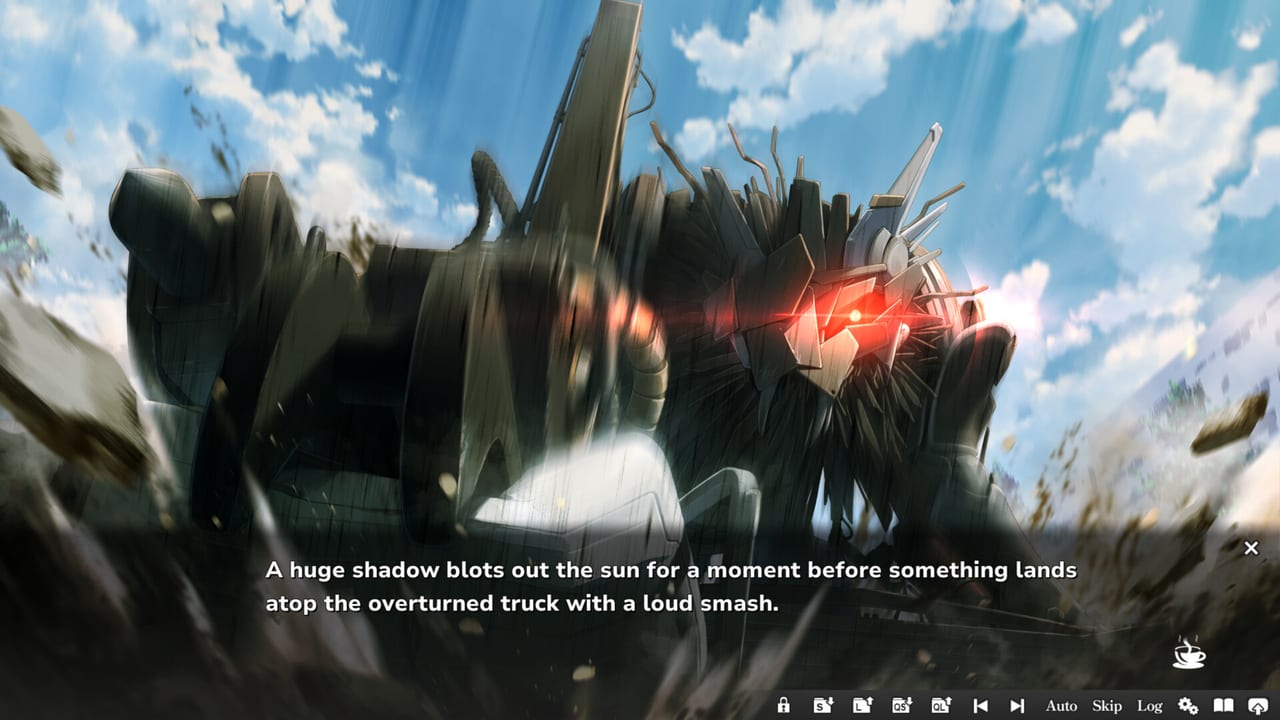
COCORO ships as a four-language visual novel with one voiced track. Japanese carries full audio except the male protagonist. English, Simplified Chinese, and Traditional Chinese cover the interface and subtitles. That split is the product, not a patch promise. Frontwing and GOOD SMILE COMPANY released the game on 27 August 2026 JST (Steam lists 26 August in some regions) with day-one text in all four languages. This page is how to pick a mix, how Steam’s Change Language achievement works, who did the translations, and what to check on a Verified Steam Deck.
If you have not installed, follow getting started for storefronts, Cloud saves, and first boot. If you have not paid yet, the Steam demo how-to is the cheapest language test (app 5069120, live 20 August 2026). Button-level skip, auto, and volume live on controls and settings. Trophy names live on the achievements checklist. Handheld reading lives on Steam Deck Verified notes. Parent index is the guides hub.
What each language actually includes
Japanese is the voiced language. Hina Youmiya as Cocoro, Hikaru Tono as Ryuzaki Kazane, Yasuaki Takumi as Amai Daichi, Riona Imaizumi as Amai Kosame, Maaya Uchida as Kizuki Kirika, and Shuta Morishima as Murakumo Kotaro all speak. Mitsumine Hinata does not. You read his lines in the text box while everyone else performs. That is a billed design choice, the same pattern many all-ages Frontwing novels use, not a missing file.
English, Simplified Chinese, and Traditional Chinese are UI and subtitle languages. Menus, options, and the text box can be in those scripts. They do not replace the Japanese voice track with English or Chinese performances. If you switch the interface to English, you should still hear Youmiya. If a build ever ships dubbed audio, this page will say so; until then, assume Japanese voices under translated boxes.
Steam client language is not in-game language. Set COCORO inside COCORO’s config. Cloud saves keep story progress; glance at the subtitle language after a PC-to-Deck sync so you do not start a chapter in the wrong script. There is no Roblox client and no extra language pack to redeem with a code.
Japanese audio with English text
The mix most overseas readers want is Japanese voices + English subtitles. You do not pick that as a special “dual language” SKU. You pick English (or a Chinese script) for the interface, and you leave voice volume up. Because the voiced track is Japanese regardless of UI, “English mode” is still a Japanese performance with a translated box.
A practical first-boot order:
- Launch the full Steam app (4650950) or the demo (5069120).
- Open in-game settings from the title or pause menu — not only the Steam client language dropdown.
- Set UI / subtitle language to English if that is the script you want to read.
- Confirm voice, BGM, and effects sliders separately. Voices high, BGM where Fuminori Matsumoto’s cues support a scene without drowning the box.
- Turn skip-unread protection on so a mis-hold cannot chew through lines you have not seen.
- Make a save. Language is a config flag, not a second route.
If you are comfortable in Japanese, you can run Japanese UI and Japanese voices together. If Chinese is your interface language, Simplified and Traditional are both listed; glyphs are denser, so font size on a 7-inch Deck is worth a demo check. None of those choices change the linear one-heroine plot. They change how you read Tsukumo.
Auto-play delay matters more once voices are on. Auto that waits for a Japanese take will run longer than click-to-advance English reading. VNDB’s early average is about 5 hours 23 minutes; at least one Steam review logged 7.1 hours with voices. That is the language mix talking, not extra chapters.
Change Language achievement
Steam lists twelve achievements. The public names are First Launch, Change Language, and Complete Chapter 1 through Complete Chapter 8. Two further titles are unpublished; this wiki does not invent them.
Change Language is a setup trophy, not a story fork:
- Open in-game settings from the title screen if a scene has the option greyed out.
- Switch UI or subtitle language to a different supported option than the one currently applied.
- Apply the change so strings actually swap.
- You can switch back immediately. The unlock is for changing language, not for finishing the novel in a second tongue.
Do this on the retail app if you care about the overlay. Do not assume the demo grants the same trophies. First Launch is the other setup stamp: boot the paid client once. Chapter trophies drop as you read forward. None of that requires a New Game Plus language NG+ that Frontwing has not advertised.
If the language option looks missing, you are probably in a movie, a forced scene, or a menu that does not own config. Return to the title. Controls and skip behavior are documented on the settings page; this article only owns the language slice of that menu.
Who translated what
VNDB credits Willeke Bloem as English translator and Joshua Renner as editor for the English release. That is a named byline, not an anonymous dump. Additional QA names appear on the English credit list there; this wiki will not pretend to have the full in-book scroll if your build shows more staff.
Chinese — both Simplified and Traditional — is credited to Syawase Works. Day-one Chinese text is part of the SKU, not a promised patch. If you read Chinese, pick the script you actually use (简体 vs 繁體) in the same language menu; do not expect the engine to infer it from Windows locale.
This page will not claim the English prose is flawless line-by-line. Launch-week novels collect a few awkward subs. It will claim a credited translator/editor pair plus a known Chinese studio is a better sign than an uncredited machine pass. The honest test is still twenty minutes in the demo: read the garden, listen to Youmiya, and decide whether the box matches the voice.
Asta Konno wrote the Japanese script. Localization does not add extra heroine routes. If a line feels soft or blunt, that is a translation conversation, not evidence of a hidden English-only scene.
Steam Deck, shops, and what language does not change
Valve lists COCORO as Steam Deck Verified. Verified means default controls and readable UI on the 7-inch 1280×800 panel, not a separate localization. Set language in-game the same way you would on a Windows 11 desktop. Cloud can carry the save; it may or may not carry every config flag, so check subtitles after a sync. Denser Chinese UI especially deserves a demo glance on Deck. Japanese voice plus English text is a strong handheld mix because you can listen while glancing at the box.
Storefronts: Steam, DLsite, and DMM. List price $24.90, launch −20% through 7 September 2026 (some Japanese articles say until 8 September). Japanese digital coverage also quoted 3,800 yen tax-in. Language support is a reason to prefer the Steam SKU if you want Cloud, achievements, and Deck; confirm the Japanese shops’ language screens before you assume they match Steam’s four-language client.
Language will not add timed input, will not split the story, and will not reveal the two unpublished achievement names. It will not turn Cocoro into a dubbed English heroine. It will not make Hinata speak. Use the mix that lets you hear the billed cast and read at a pace you can finish in an evening or two. Then stop opening the language menu. Tsukumo is a garden story, not a locale sandbox, and Change Language is a five-second stamp you collect on the way in — not a reason to replay the Calamity in every script Frontwing shipped.
Frequently Asked Questions
Quick answers for first-time readers of COCORO.
Which languages does COCORO support?
Japanese with full audio except the male protagonist, plus English, Simplified Chinese, and Traditional Chinese for UI and subtitles. There is no published English or Chinese voice dub.
How do I play with Japanese audio and English text?
Set the in-game UI or subtitle language to English and leave voice volume up. The voiced track stays Japanese. Do not use the Steam client language dropdown as a substitute for COCORO’s own config.
How do I unlock the Change Language achievement?
Open in-game settings, switch to a different supported language, and apply it. You can switch back. Do this on the full retail app; do not assume the demo grants the trophy.
Who translated the English and Chinese versions?
VNDB credits Willeke Bloem as English translator and Joshua Renner as editor. Simplified and Traditional Chinese are credited to Syawase Works. Judge the prose yourself in the demo.
Is Mitsumine Hinata voiced in any language?
No. Official spec is full voice acting except the male protagonist. You read Hinata in every subtitle language; you hear Cocoro and the supporting cast in Japanese.
Can I change language on Steam Deck?
Yes. COCORO is Deck Verified. Use the in-game language menu, not only Steam’s client language. Test Chinese glyph size in the demo if that is your UI script.