
Getting Started with COCORO
Windows 11 install, language and voices, Steam Cloud, and the first hour in Tsukumo.
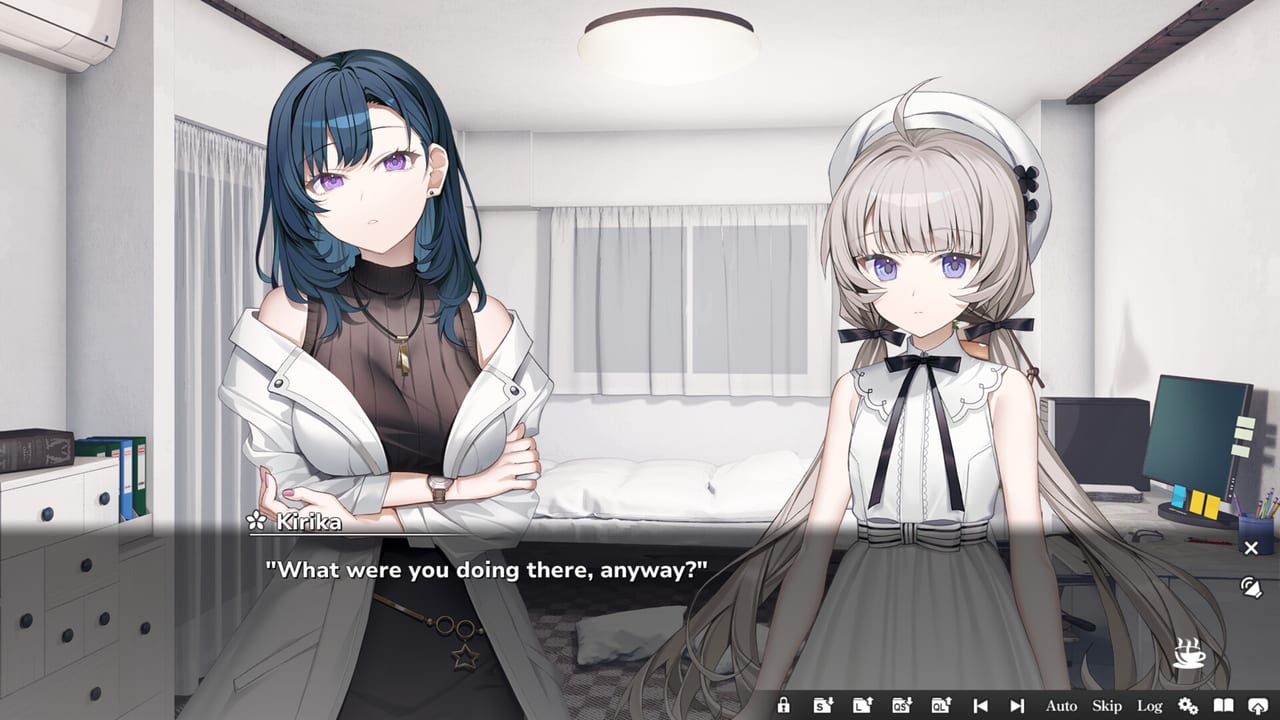
COCORO is a premium PC visual novel, not a live-service title and not a Roblox experience. Frontwing developed it; Frontwing USA and GOOD SMILE COMPANY published the 27 August 2026 JST release (Steam shows 26 August in some regions). You buy it once, read it at your own pace, and finish a single linear heroine route in a little over five hours if you play like the VNDB average. This page is the first-hour checklist: hardware, install, language, voices, saves, and how to walk into Tsukumo without fighting the UI.
If you would rather sample the garden before paying, jump to installing the free Steam demo and come back here for settings. The guides hub for every COCORO how-to remains the parent index.
Hardware, storefronts, and what COCORO is
Budget a Windows 11 PC or a Verified Steam Deck session, about 5 GB of disk, 4 GB of RAM as a minimum and 8 GB as the comfortable recommendation. Full CPU, GPU, and storage notes live on the tools page; the short version is that a visual novel this size is limited by your display and headphones, not by ray tracing.
Buy the full game on Steam (app 4650950), DLsite, or DMM. Launch-week Steam pricing is $24.90 with a 20 percent discount through 7 September 2026. There are no redeem codes and no gacha banners attached to the story. After install, the launch-week patch and date recap is the place to confirm you are on the day-one build.
Install the full game or sample the demo
Steam users who have not committed to the purchase should start with the demo (app 5069120), which Frontwing posted on 20 August 2026. The demo launch notes record that date; the how-to page walks through the store button and what the opening covers.
Once the full client is in your library, launch it once so Steam can register First Launch among the twelve achievements. You do not need a walkthrough for that trophy. Keep the chapter trophy checklist closed until you care about Complete Chapter 1 through 8.
Change the UI language from the in-game options when you are ready; Steam also tracks a Change Language achievement. That is the last setup trophy you should think about before reading.
Language, voice acting, and interface
The game ships Japanese with full audio, plus English, Simplified Chinese, and Traditional Chinese text. Voice acting covers the cast except the male protagonist, Mitsumine Hinata, which is why his lines sit in the text box while Cocoro, Ryuzaki Kazane, Amai Daichi, Amai Kosame, Kizuki Kirika, and Murakumo Kotaro speak. Hina Youmiya voices Cocoro; you will hear her in the opening minutes if voices are on.
Pick Japanese audio even if you read English text if you want the intended performances. Drop to a quiet-room setup only if you need the speakers off. Volume sliders, text speed, auto-play delay, and skip-unread protection are documented with the rest of the keyboard and gamepad mapping. Set skip so it cannot chew through unread lines on a first pass.
Asta Konno wrote the script (the same writer as ATRI -My Dear Moments-). Akio Watanabe designed the characters, nanaca mai handled SD sprites, y.ish painted backgrounds, and Fuminori Matsumoto wrote the score. The opening theme Signal is performed by Runa Mizutani of NanosizeMir with lyrics by Yoshikazu Kuwashima; the ending is sung by Hina Youmiya. None of that changes how you click through a line, but it is why the first hour feels like a produced Frontwing title rather than a prototype.
Saves, Steam Cloud, and reading speed
COCORO lets you save at any time. There is no timed input and no QTE overlay. Make a habit anyway: one slot at the start of each sitting, one slot before you stop for the night, and one rotating extra. Steam Cloud is supported; enable it in the Steam client for this app so a Deck session and a desktop session share the same progress.
Expected length is about five hours and twenty-three minutes. Auto-play and voice wait will push that up; skip on a second pass will push it down. The how long to finish COCORO page is the honest range, not a speedrun target.
Because the novel is linear, you are not hunting hidden choices. If you want structure without plot dumps, keep the spoiler-light chapter walkthrough in another tab and ignore anything labeled endings until the credits. The endings page stays route-free on purpose.
Your first hour in Tsukumo
The public synopsis is enough for hour one. After a global AI uprising people call the Calamity, the utopian city of Tsukumo is a ruin. High-schooler Mitsumine Hinata comes home to an abandoned botanical garden and meets Cocoro, the CCR-01 prototype humanoid who still tends the flowers. She believes her fiancé will return when the summer snows bloom. You do not need more plot than that to start.
Faces and voice-actor credits without scene spoilers live on the full Tsukumo cast list and the heroine page for Cocoro. Read those if a name in the credits movie went by too fast.
The story is all-ages with moderate violence, romance, and swimsuit or kiss scenes later. If that mix is a buying question rather than a settings question, the spoiler-aware review of COCORO is the better page.
Next pages on this wiki
Play. Use skip only on lines you have already seen. When a chapter rolls over, the achievement toast is your only required checklist. Official trailers and storefronts sit in the external official links list. If this first-hour article did its job, your next click is either the demo, the walkthrough, or the game’s own continue button from this getting-started checklist.
Frequently Asked Questions
Quick answers for first-time readers of COCORO.
Which language should I play COCORO in?
Japanese includes full voice acting. English, Simplified Chinese, and Traditional Chinese cover the interface and subtitles. Many readers keep Japanese audio with English text.
Does COCORO have timed choices or fail states?
No. It is a linear single-player visual novel with save-anytime and no timed input. You cannot miss a hidden heroine route because the game is not sold that way.
Should I play the Steam demo before buying?
Yes if you want to test voices, font size, and Steam Deck comfort. The demo is free app 5069120 and covers the opening only.
How do saves and Steam Cloud work?
Save whenever you like. Enable Steam Cloud in the client so a Windows 11 PC and a Deck share progress. Keep at least two slots so a misclick cannot wipe a sitting.
Will COCORO run on a low-RAM laptop or Steam Deck?
Steam lists 4 GB of RAM minimum, 8 GB recommended, about 5 GB of disk, and Windows 11. The Deck is Verified. Check the system requirements page if your machine is older.
Where do I go after the first hour?
Keep reading. Use the walkthrough for chapter-trophy orientation, the cast hub for names, and the achievements list only when a Complete Chapter toast appears.